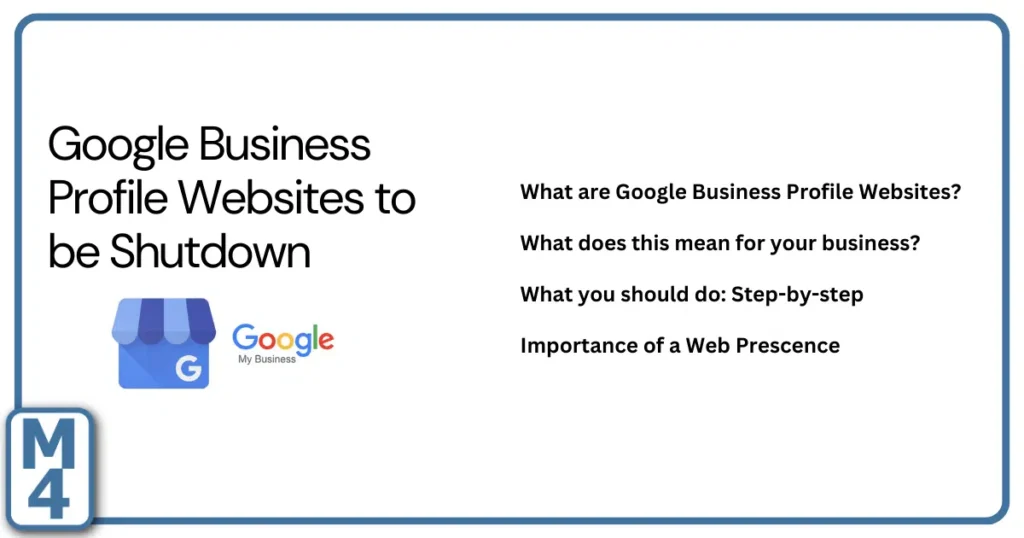

Update: Google shut down websites created through Google Business Profile in March 2024. Temporary redirects to the related Business Profile ended on June 10, 2024. If your business still has an old business.site or negocio.site address floating around online, it should be replaced with your current website.
This article was originally published during Google’s 2024 transition. We’ve updated it to explain what happened, why it still matters, and what local service businesses should do now.
TL;DR
Google no longer offers the simple website builder that used information from a Google Business Profile to create a basic website. Those sites were turned off in 2024, and the temporary redirects are long gone. Your Google Business Profile still matters, but it should point customers to a website you control. If an old Google-created website address is still listed in directories, ads, email signatures, social profiles, printed material, or anywhere else, replace it.
What Were Google Business Profile Websites?
Google launched a simple website builder for small businesses in 2017. It was originally tied to Google My Business, which later became Google Business Profile.
The idea was useful: a business could create a very basic website using information already stored in its profile, including business details, hours, photos, and contact information. For a small business with no website at all, it was a quick way to establish an online presence.
These websites commonly used addresses ending in business.site or negocio.site. They were never a replacement for a full website, but they gave businesses a simple page without having to buy hosting, plan a website structure, or manage much content.
What Actually Happened in 2024?
Google discontinued the website-builder feature in March 2024. Businesses that had created one of these sites temporarily had visitors redirected to the associated Google Business Profile.
That redirect was only transitional. It ended on June 10, 2024. After that date, the old Google-created website addresses stopped functioning as business websites.
The important distinction is that Google Business Profile itself did not go away. The free website-builder feature went away. Businesses can still maintain a verified profile on Google Search and Maps, add their own website URL, publish photos, show hours and contact information, and collect and respond to reviews.
Does This Still Matter Now?
Yes, because old website addresses can survive long after a platform disappears.
A business might have updated its Google Business Profile but still have the old URL printed on a brochure, saved in an online directory, attached to an old social profile, embedded in an email signature, used in an advertising account, or linked from another website.
That creates a poor experience. A prospective customer clicks a link expecting to learn about your company and instead reaches a dead page. For a local service business, that small credibility problem can be enough to send the person back to Google to choose someone else.
What Should You Do If Your Old Google Website Is Still Referenced?
1. Check the Website Link on Your Google Business Profile
Your Business Profile should point directly to your current website. Google’s current Business Profile settings allow verified businesses to add or update a website URL. If you are still building out your profile, our Google Business Profile service page explains the broader role the profile should play in your marketing.
2. Search for the Old Address
Search Google for your business name together with the old business.site or negocio.site address if you know it. You can also search the old URL itself.
Look for places where the outdated address is still being referenced, including:
- business directories and association listings
- Facebook, Instagram, LinkedIn, YouTube, and other social profiles
- old ads or landing-page campaigns
- email signatures
- supplier and manufacturer directories
- chamber of commerce listings
- PDF brochures, proposals, and downloadable documents
- printed business cards, signs, vehicle graphics, or handouts
You may not be able to change every third-party reference, but you should fix the ones you control.
3. Make Sure Your Replacement Website Actually Helps Customers
Replacing the old Google website with a new URL is only the first step. The replacement should help a potential customer understand what you do, where you work, why they should trust you, and what they should do next.
A service business usually needs more than a homepage and a phone number. Service pages, proof of work, case studies or project examples, contact information, and clear next steps all matter. Our guide to what pages a service business website should have explains how to think about that structure.
4. Check Any Advertising or Tracking That Used the Old URL
If the old Google-created website was ever used in an ad account, conversion setup, QR code, tracking link, or campaign document, replace it there too. A campaign can continue spending money even when its destination is no longer useful.
While you are doing this, make sure your current site has the analytics and conversion tracking you actually need. The point is not to collect every possible metric. It is to know whether the website is helping generate real inquiries and sales opportunities.
5. Keep Your Google Business Profile Strong
Losing the website-builder feature did not make Google Business Profile less important. For many local businesses, the profile is still one of the first things a customer sees when searching the company name or looking for a nearby service provider.
That means keeping your information accurate, earning and responding to reviews, and regularly showing real evidence of your work. If you are a contractor, our guide to Google Business Profile photos for contractors explains what kinds of project, crew, progress, and finished-work photos are actually useful.
Your Website and Google Business Profile Do Different Jobs
A Google Business Profile is a discovery and trust asset inside Google’s ecosystem. Your website is the place where you have much more control over the sales story.
Your profile can help someone find you, see reviews, confirm your hours, view photos, call you, and click through to your site. Your website can then go deeper: explaining services, answering questions, showing project proof, helping customers understand your process, and creating a clear path to contact you.
If you want the foundation first, read what a Google Business Profile is and why it matters. The two assets should support each other rather than trying to do the exact same job.
What Should Replace a Google Business Profile Website?
There is no single website platform that is right for every business.
WordPress can be a strong option for service businesses that need flexibility, SEO content, service pages, case studies, and room to grow. Wix, Squarespace, Shopify, and other platforms can also make sense depending on the business, internal capabilities, sales process, and type of website being built.
The more important decision is whether the website gives the business enough control and flexibility to support its actual goals.
At a minimum, a local service business should think about:
- using a domain the business controls
- making services easy to understand
- showing real proof, projects, reviews, and people
- making phone calls and form submissions easy
- creating pages around the work the business wants more of
- being able to update the site as services and markets change
- measuring whether the site creates useful leads
If you need help planning or rebuilding the site itself, see our web design services for local businesses.
The Bigger Lesson: Don’t Build Your Entire Online Presence on Borrowed Ground
The shutdown is a useful reminder that free platforms can change.
Your Google Business Profile is valuable, but Google controls the platform. The same is true of Facebook, Instagram, LinkedIn, YouTube, and most other third-party channels. Features can be added, removed, renamed, or restricted.
Your own domain and website give you more control over the information customers see, the pages you build, the proof you publish, and the way inquiries move into your sales process.
That does not mean you should ignore third-party platforms. It means they should feed an online presence you control rather than becoming the only place your business exists.
What Marketing4 Recommends
For most local service businesses, we like a simple structure: use your website as the controlled foundation of your online presence, then use Google Business Profile, search, reviews, social media, email, and other channels to help the right customers find and trust it.
You do not need the most complicated website. You need one that reflects the business you actually run and the work you want more of.
If you still have an old Google-created website address showing anywhere, replace it. Then take the opportunity to look at the replacement site with fresh eyes. Does it clearly explain what you do? Does it show enough evidence? Does it make it easy for the right customer to contact you?
If not, the shutdown itself is old news, but the marketing problem is still worth fixing.